The Claude Key
Press F13. Claude Code opens in a new terminal, ready to type.
- Year
- 2026
- Made for
- macOS
- State
- shipped
The gap between wanting to ask something and having somewhere to type it was four moves long: find the terminal, open a window, cd somewhere sane, start the thing.
Now it is one key. F13 fires an Automator service that opens a Ghostty window at my home directory with Claude Code already running in it.
It is wired to my stack — that terminal, that key, those flags. Edit one shell script and it is wired to yours.
How to use it
Run the installer, then press F13.
git clone https://github.com/JaimeOrtegaxyz/the-claude-key.git
cd the-claude-key && ./install.sh
The first press throws one-time permission prompts — an Automation one and a Ghostty one. Allow both.
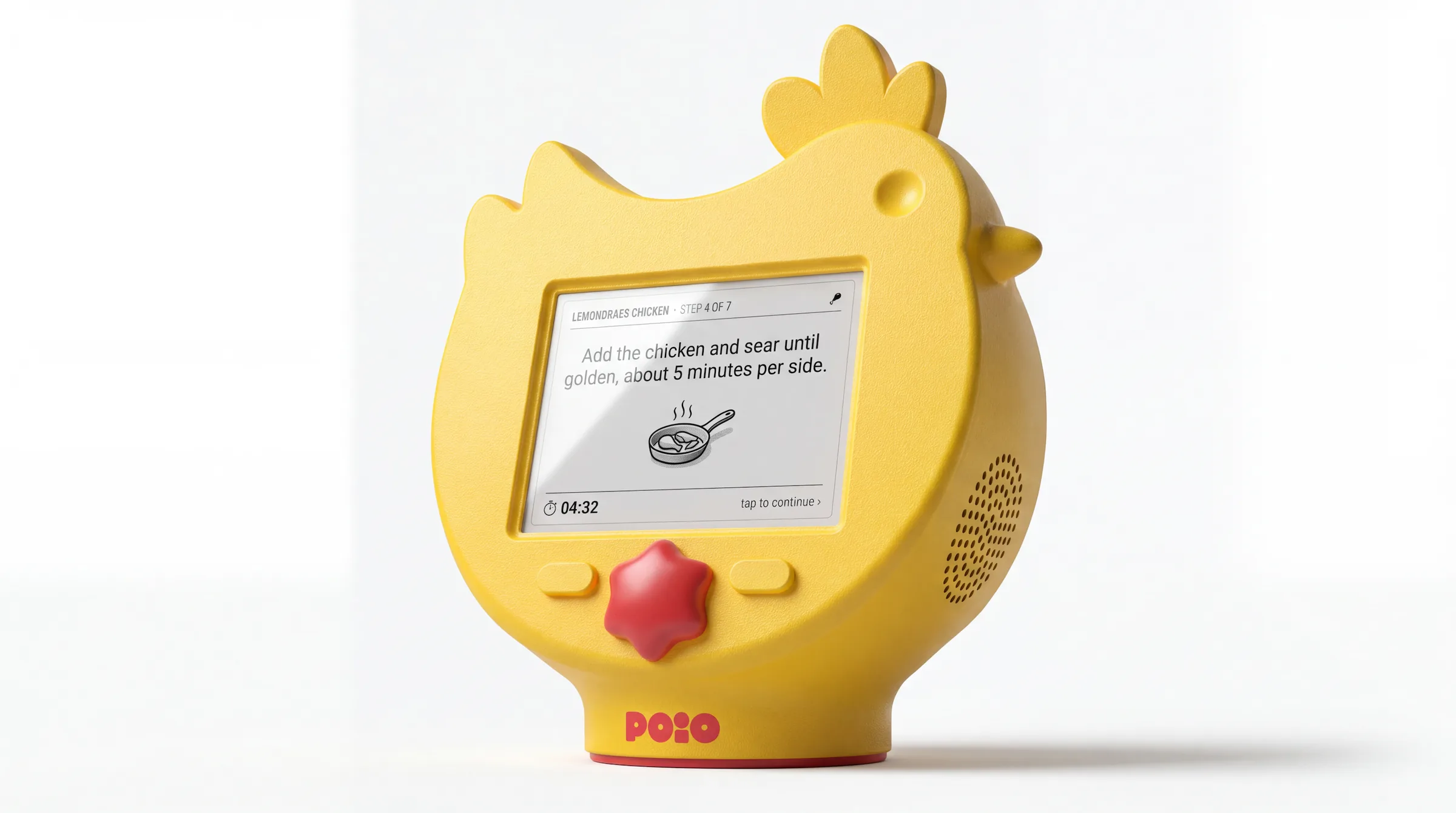
POiO
in progressA chicken recipe assistant that is turning into a countertop bird.
Islands
shippedAnother macOS window manager. This one accordions.
dab
shippedTurn any patch of your screen into pixel art.

Balancer
shippedA personal trainer for micro-breaks.
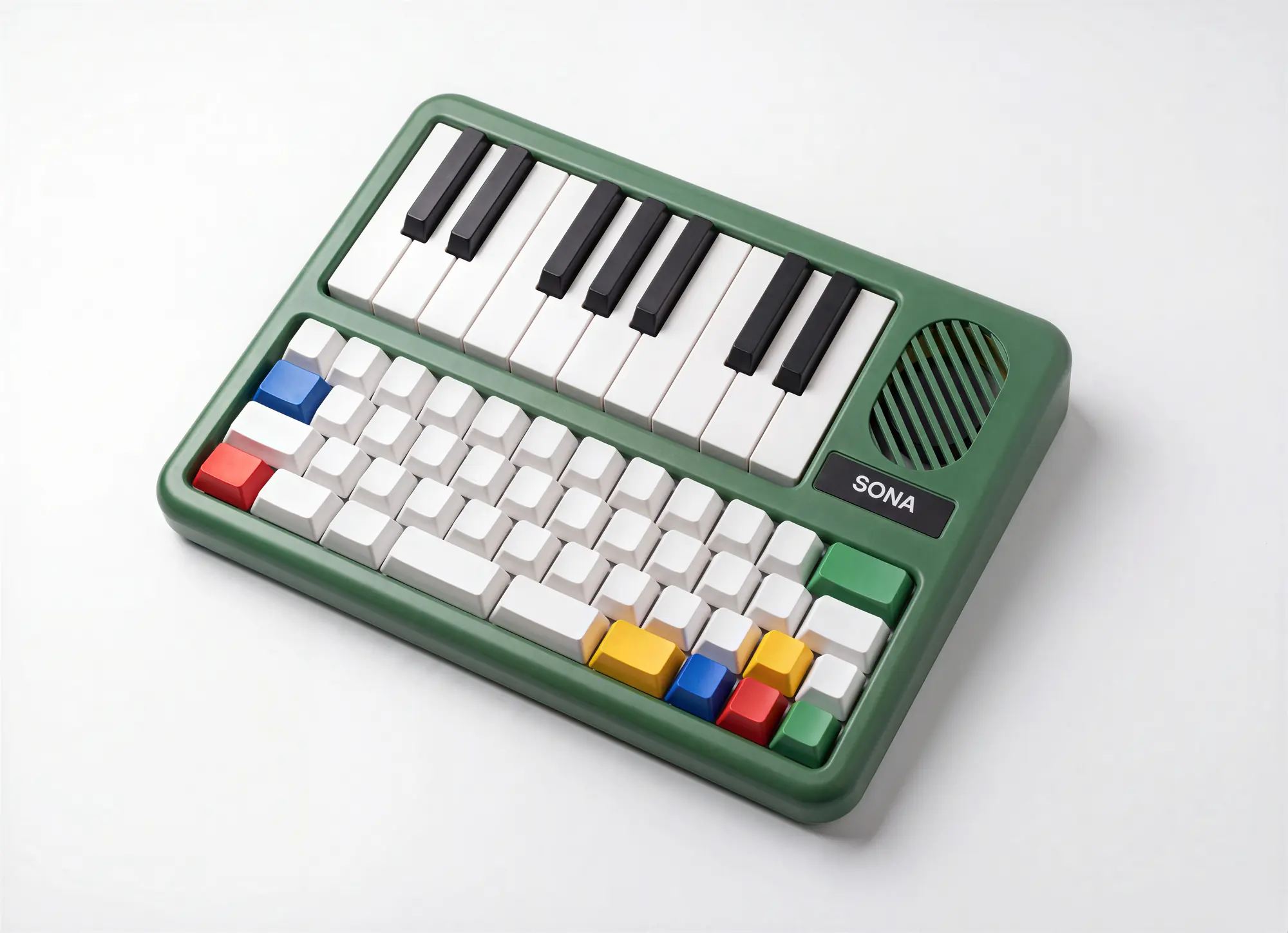
Sona
conceptA mechanical keyboard with an instrument living inside it.
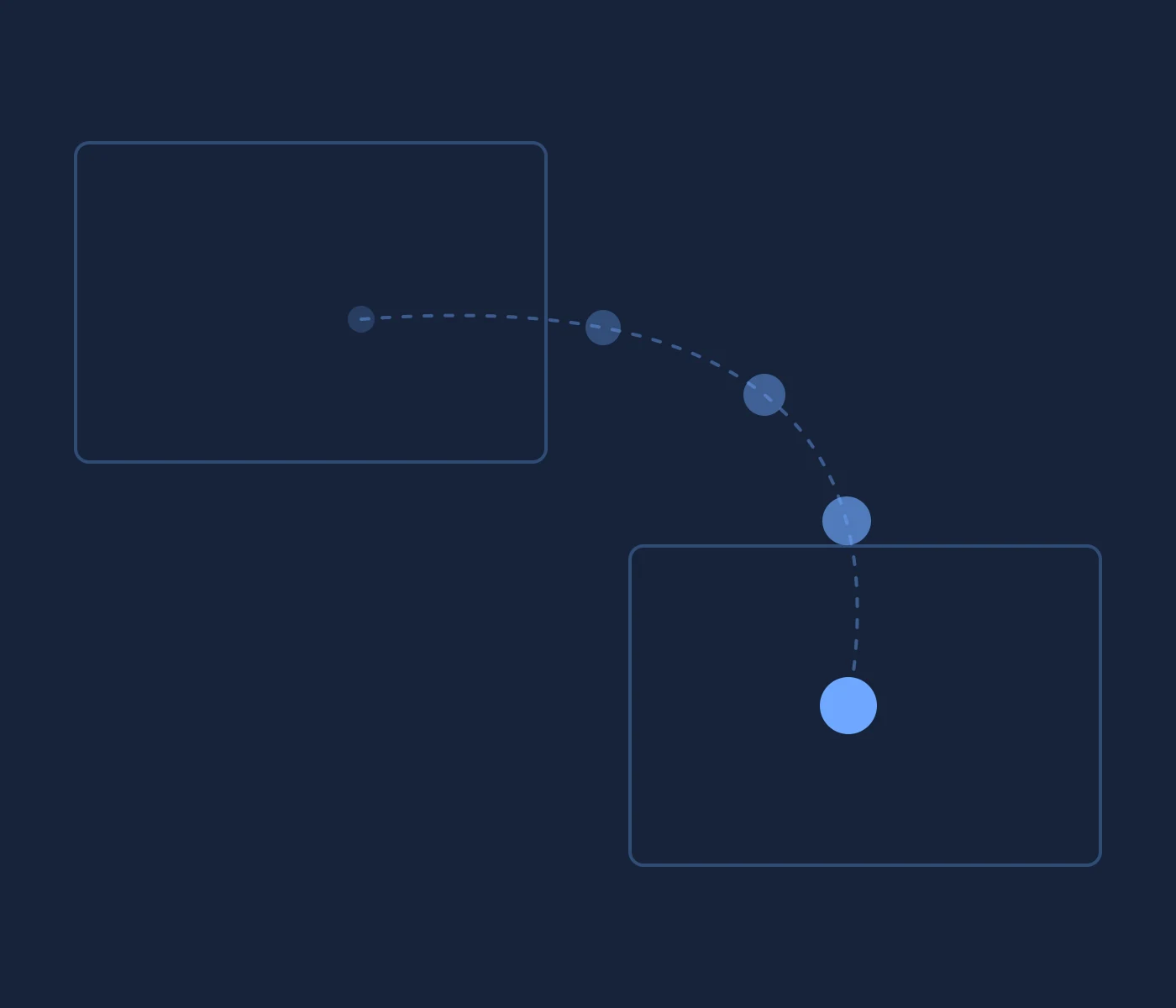
toss
in progressFlick a ball off your screen. It lands on a friend's Mac.
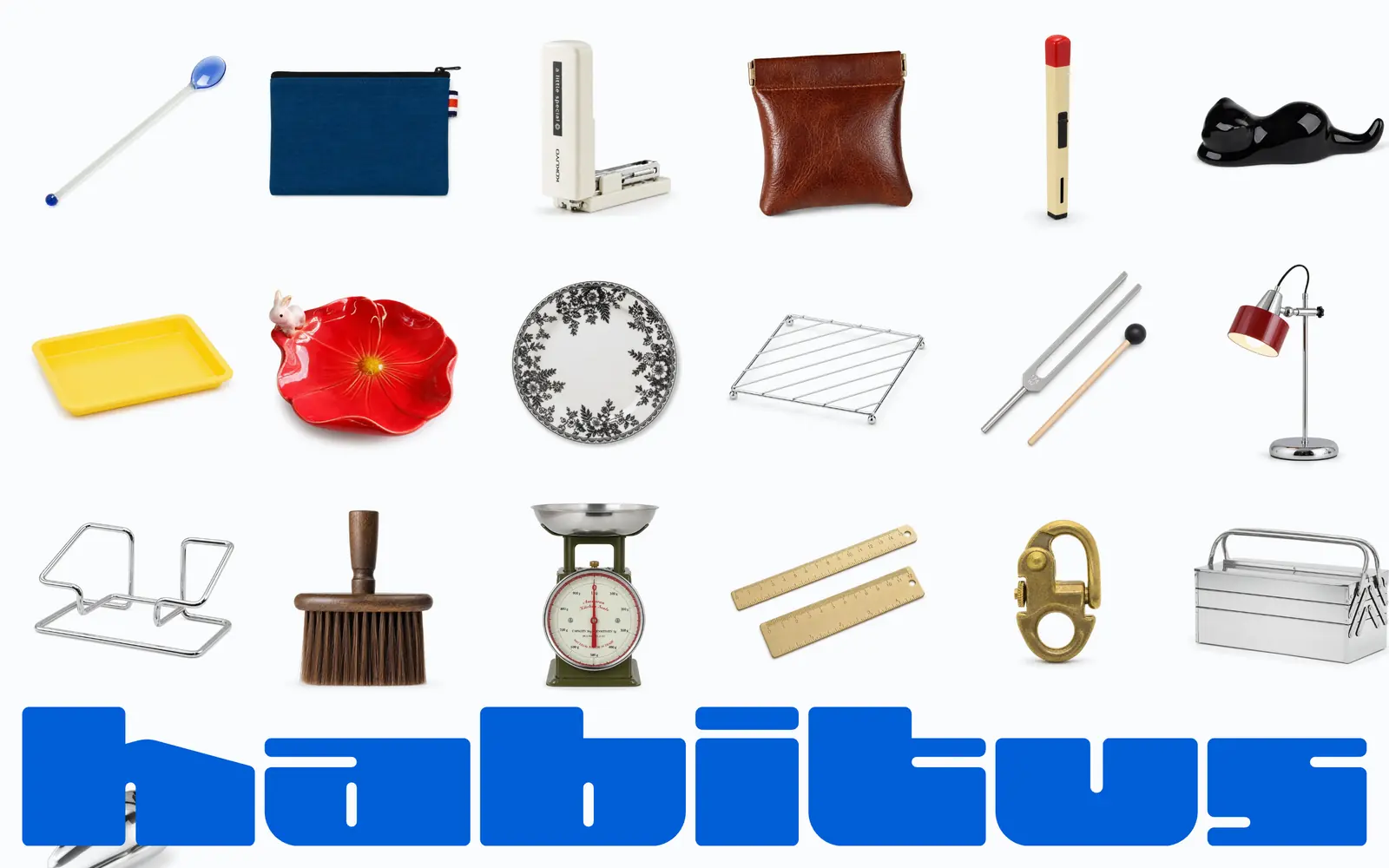
Habitus
in progressCheap marketplace finds, held to a hundred at a time.
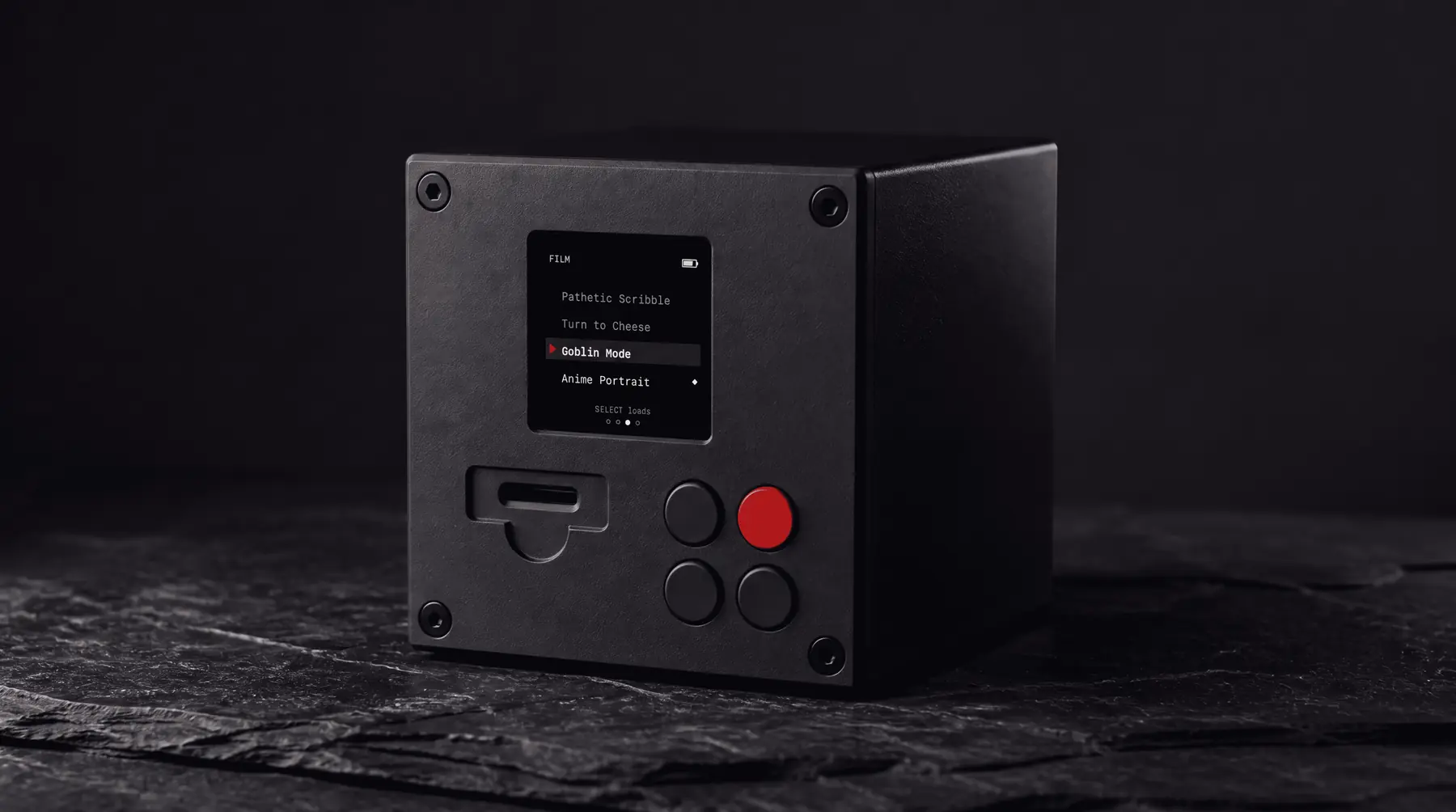
Darkroom
conceptA cube that develops your photos by imagining them.
Branding Oracle
in progressA brand engine a designer drives and a client never sees.
vaiven
shippedA Canvas engine where every animation is one JSON config.

pinrip
Pull full-resolution originals out of any Pinterest page.

tuckie
Hides menu bar icons and stays at 16 MB.

Long Exposure
One poem, rewritten by a different machine each time, for as long as I keep it going.

music scout
Reads music blogs every morning and fills a playlist.
Short Story
Fiction built on two stories at once, after Piglia.
Socratic Claude
A dialogue that asks three questions and then stops.

manita
Makes the pointing hand your system-wide cursor.
keylock
Lets me set the Corne on top of the MacBook without typing everything twice.
Halo
Talks to a lamp one pixel at a time.
Canon
Keeps the approved design decisions somewhere the model can read them.
tint
Every project split gets its own brand color in the terminal.
devtools
Answers which dev servers are running and where they came from.
Machine Report
A Turbo Vision system readout, every time a terminal opens.
Vedic Teacher
Asks who is asking, and will not answer it for you.