Islands
Another macOS window manager. This one accordions.
- Year
- 2026
- Made for
- macOS 14+, Apple Silicon
- State
- shipped
Hold a key combo, press an arrow, and the focused window snaps to that side. Press again and it squishes further. That is the whole idea, and it is the reason I use it a hundred times a day.
The parts I actually built it for come after that. Windows step through fractions rather than halves, so sixths and quarters are both a profile you can pick. A window that hits the edge of one monitor overflows onto the next one instead of stopping. And when two windows land in the same spot they accordion-stack, peeking out from behind each other, so the combo plus Tab rotates the pile.
Apple Silicon only. I have not tested it on Intel and I am not planning to.
How to use it
Download the disk image above, drag Islands to Applications, then hold the combo and press an arrow.
Mount the .dmg and drag the app to /Applications.
Hold the combo and press an arrow. Press again and the window squishes further.
Ctrl + Opt + arrow      snap to that side
Ctrl + Opt + Return     maximize
Ctrl + Opt + Tab        rotate the accordion stack
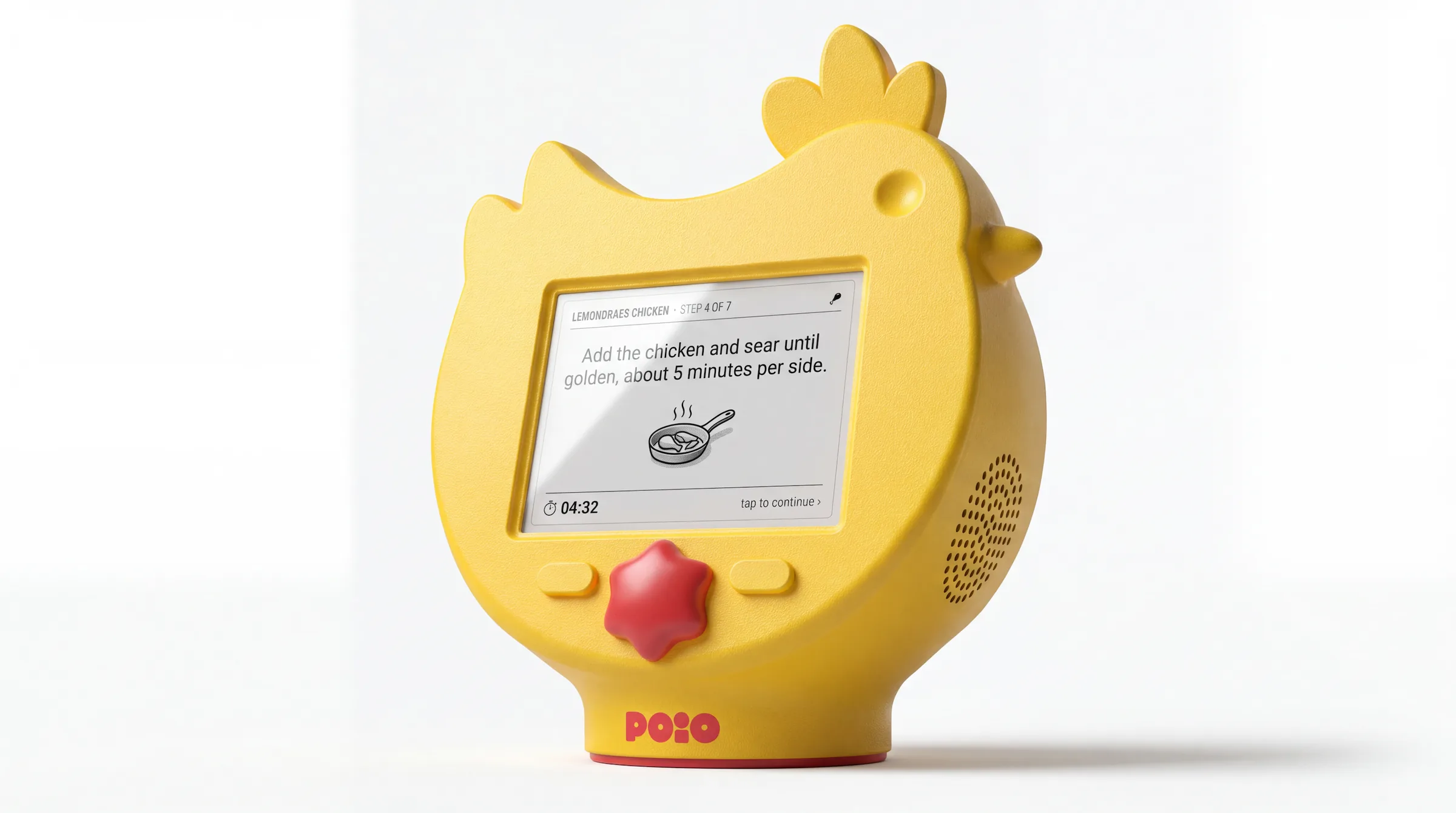
POiO
in progressA chicken recipe assistant that is turning into a countertop bird.
dab
shippedTurn any patch of your screen into pixel art.
Balancer
shippedA personal trainer for micro-breaks.
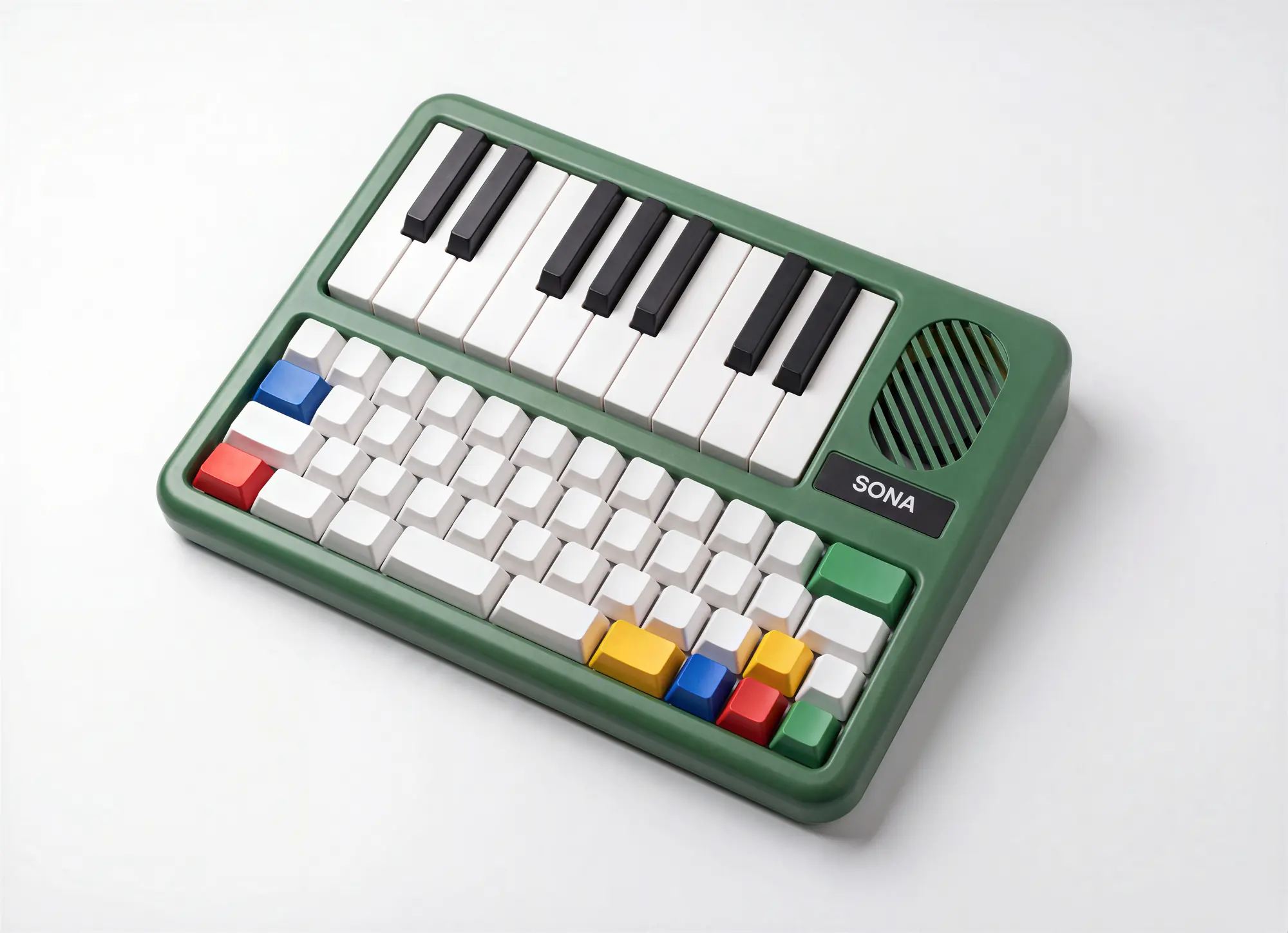
Sona
conceptA mechanical keyboard with an instrument living inside it.
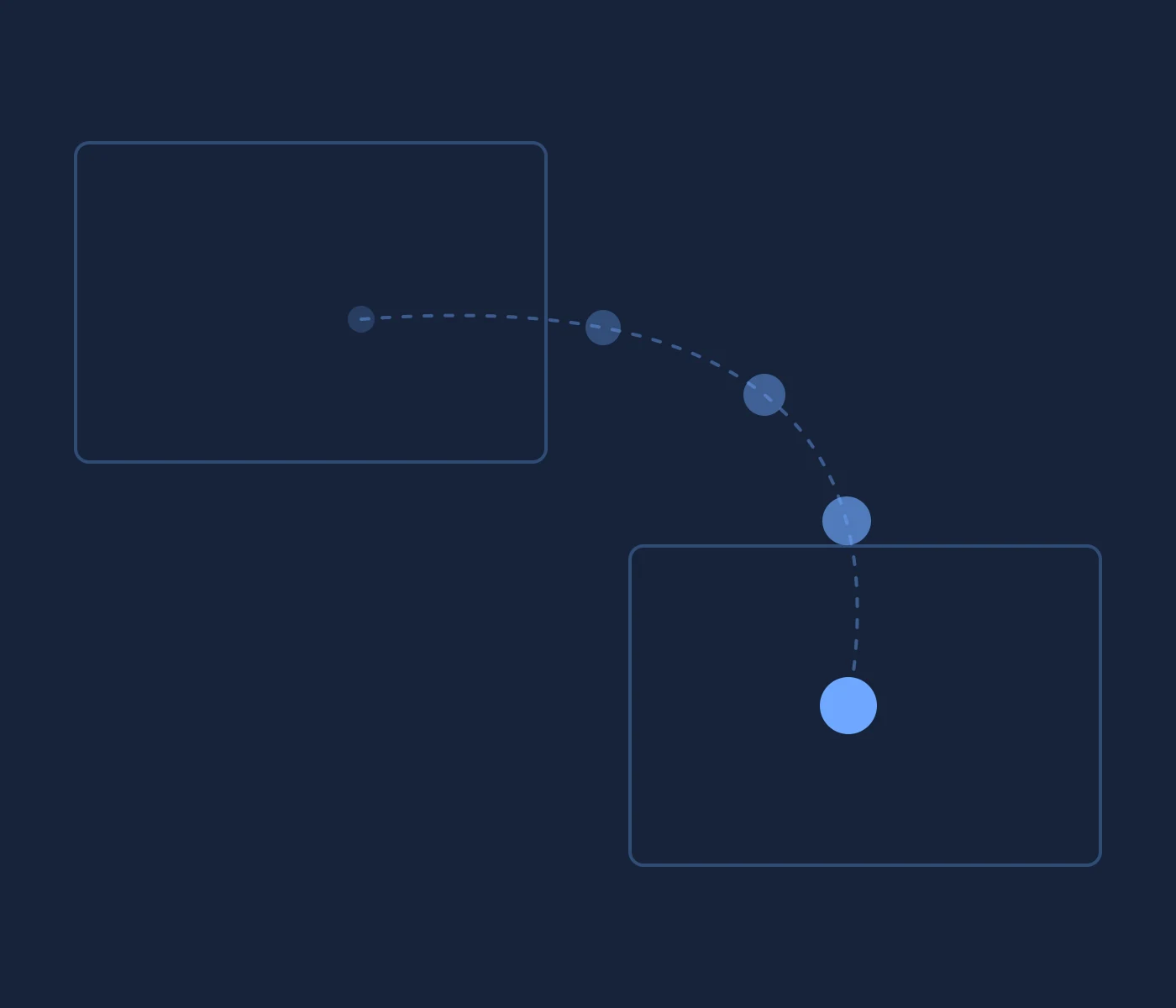
toss
in progressFlick a ball off your screen. It lands on a friend's Mac.
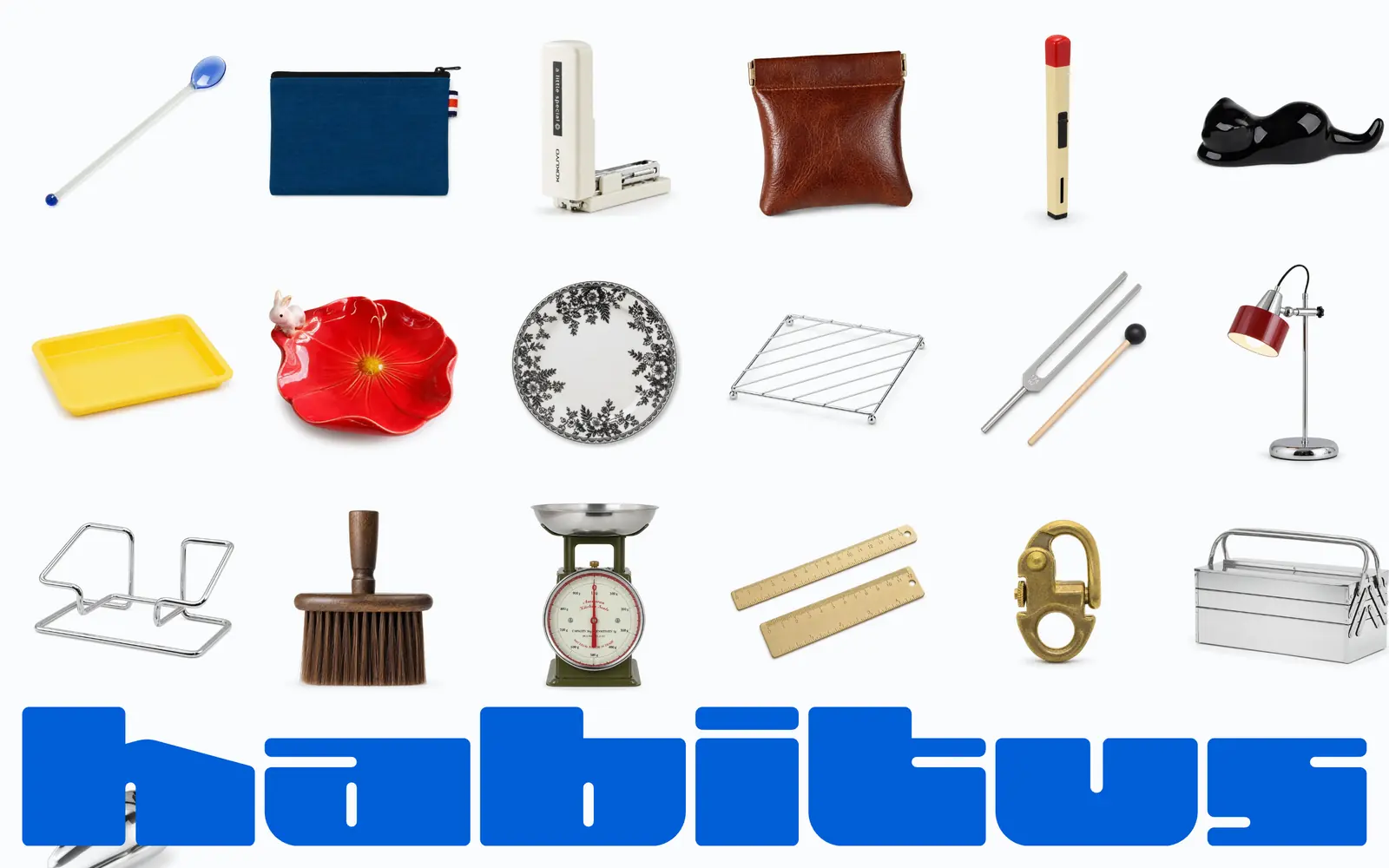
Habitus
in progressCheap marketplace finds, held to a hundred at a time.
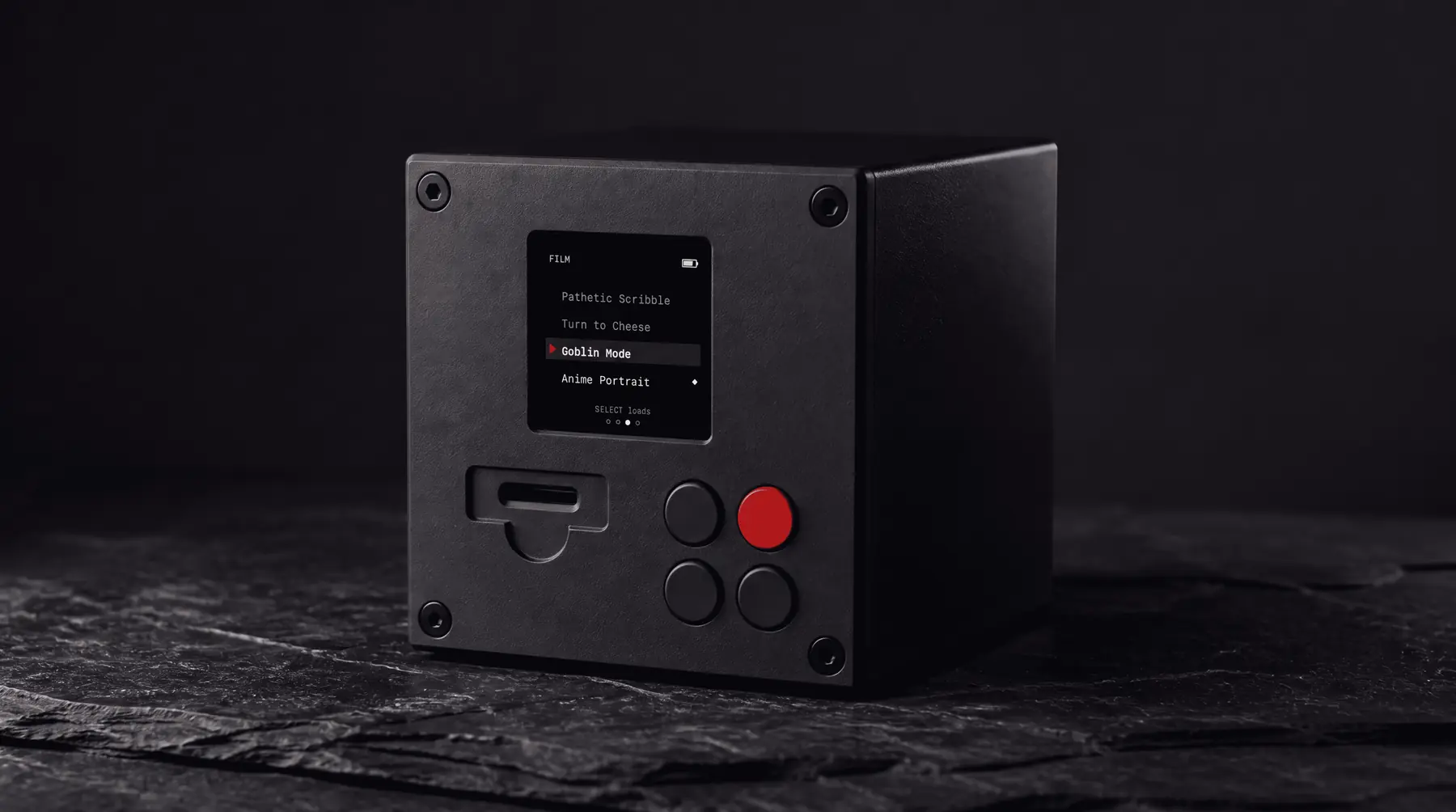
Darkroom
conceptA cube that develops your photos by imagining them.
Branding Oracle
in progressA brand engine a designer drives and a client never sees.
vaiven
shippedA Canvas engine where every animation is one JSON config.

pinrip
Pull full-resolution originals out of any Pinterest page.

tuckie
Hides menu bar icons and stays at 16 MB.

Long Exposure
One poem, rewritten by a different machine each time, for as long as I keep it going.

The Claude Key
Press F13. Claude Code opens in a new terminal, ready to type.

music scout
Reads music blogs every morning and fills a playlist.
Short Story
Fiction built on two stories at once, after Piglia.
Socratic Claude
A dialogue that asks three questions and then stops.

manita
Makes the pointing hand your system-wide cursor.
keylock
Lets me set the Corne on top of the MacBook without typing everything twice.
Halo
Talks to a lamp one pixel at a time.
Canon
Keeps the approved design decisions somewhere the model can read them.
tint
Every project split gets its own brand color in the terminal.
devtools
Answers which dev servers are running and where they came from.
Machine Report
A Turbo Vision system readout, every time a terminal opens.
Vedic Teacher
Asks who is asking, and will not answer it for you.